Check a job notification before paying or sharing documents
Trace an advert to the recruiting authority, compare the reference number and payment route, and keep recruitment fees separate from optional help.
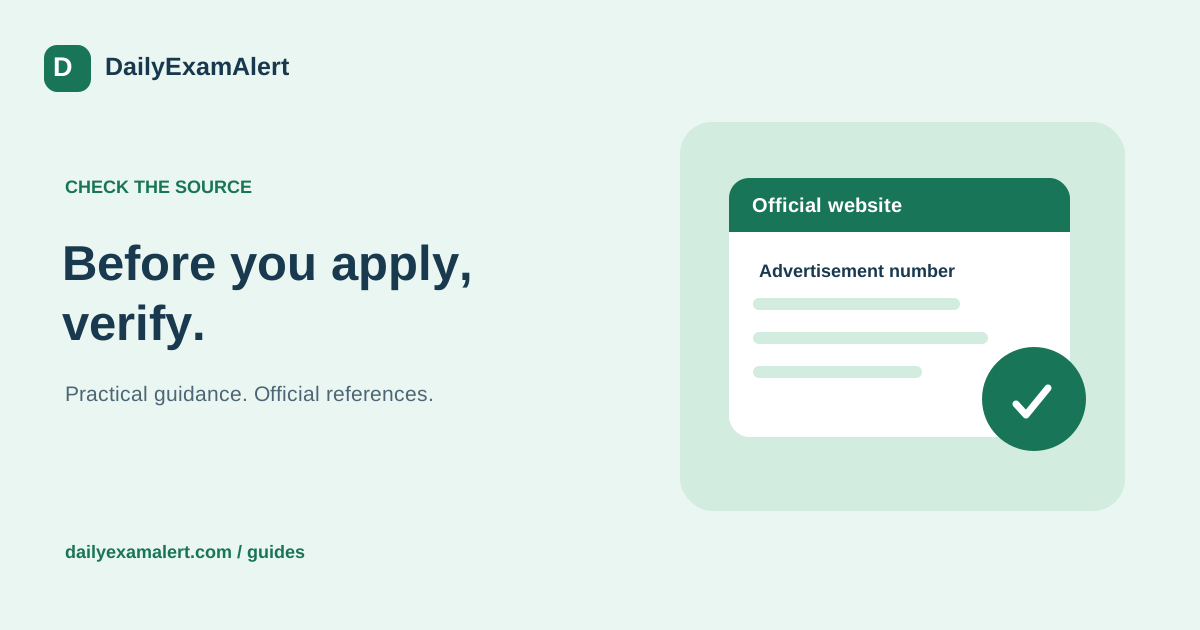
A polished poster, a familiar logo and a large vacancy number are not enough to establish that a recruitment message is genuine. The useful question is whether you can independently reach the same opportunity from the organisation’s official website. Spend a few minutes tracing that route before filling a form or sharing documents.
Start from the organisation, not the forwarded message
Search for the authority or employer independently and open its recruitment or careers section. Compare the post title, advertisement number, year and location with the message you received. A real old notice can be circulated again with a new date, so check the complete reference instead of matching only the organisation’s name.
Follow the application link from that official notice or careers page. Some authorities use a separate application provider; a different domain is not automatically fraudulent. What matters is whether the authority’s own published route points to it. If a message sends you somewhere else, pause and verify through contact details obtained from the organisation’s official site.
Read the address before entering anything
Look at the full website address, including spelling and the actual domain. A government name inside a long path does not make the hosting website official. The padlock means the connection is encrypted; it does not prove that the organisation behind the page is genuine. Avoid sharing credentials through a link that you cannot independently trace.
Compare the form with the notice. Does it ask for the advertised role? Is the closing date consistent? Does the fee match the stated category and post? Does the page explain the submission and confirmation process? Unexplained differences deserve an official clarification rather than a rushed payment.
Separate the three kinds of money
An official application fee, an optional form-filling service charge and a demand to secure employment are different things. If an application fee is required, locate it in the authority’s notice and use the linked payment process. If you choose private assistance, ask for the work, charge and cancellation terms before agreeing.
The National Career Service states that its registration, application and interview-processing services are free, warns about false claims of association, and tells jobseekers not to pay employers. A request to transfer money to a personal account for guaranteed selection is a serious warning sign. A private helper cannot guarantee an offer or convert a paid service into government registration.
Share the minimum needed for the actual step
Make a list of the documents explicitly needed for the form. Do not send a complete identity bundle merely because someone promises to check eligibility. Keep passwords, payment PINs and bank OTPs under your control. Where an official portal needs a candidate action, carry it out yourself while receiving guidance rather than forwarding unrestricted account access.
If you use assistance, confirm who receives the files, how they will be used and how long they will be kept. Check the completed form before submission and retain the final copy. Store copies privately; do not place identity documents in public share links, social comments or public QR codes.
Keep proof and report suspicious activity promptly
Save the original message, website address, transaction reference and a dated screenshot when something appears wrong. Contact the relevant platform or organisation through independently verified details. NCS publishes its support routes and directs cyber-fraud reporting to the national helpline 1930. Use the official reporting channel for your situation rather than arguing with an unknown sender.
DailyExamAlert separates an official Apply link from optional assistance. Its source and last-checked labels help you inspect where an entry came from. If a link is missing or a notice is being checked, treat that as a reason to wait for verified information. A convincing design should make evidence easier to inspect, not substitute for it.
Official references
- National Career Service — fraud warning and official support
- SSC — official notice and application entry point
Reference links checked on 8 October 2026. This is general process guidance, not a live application announcement. Read the latest official instructions for your specific opportunity.