Track government and private applications in one clear system
Record the opportunity, the official application reference and the next action without confusing a saved job with a submitted form.
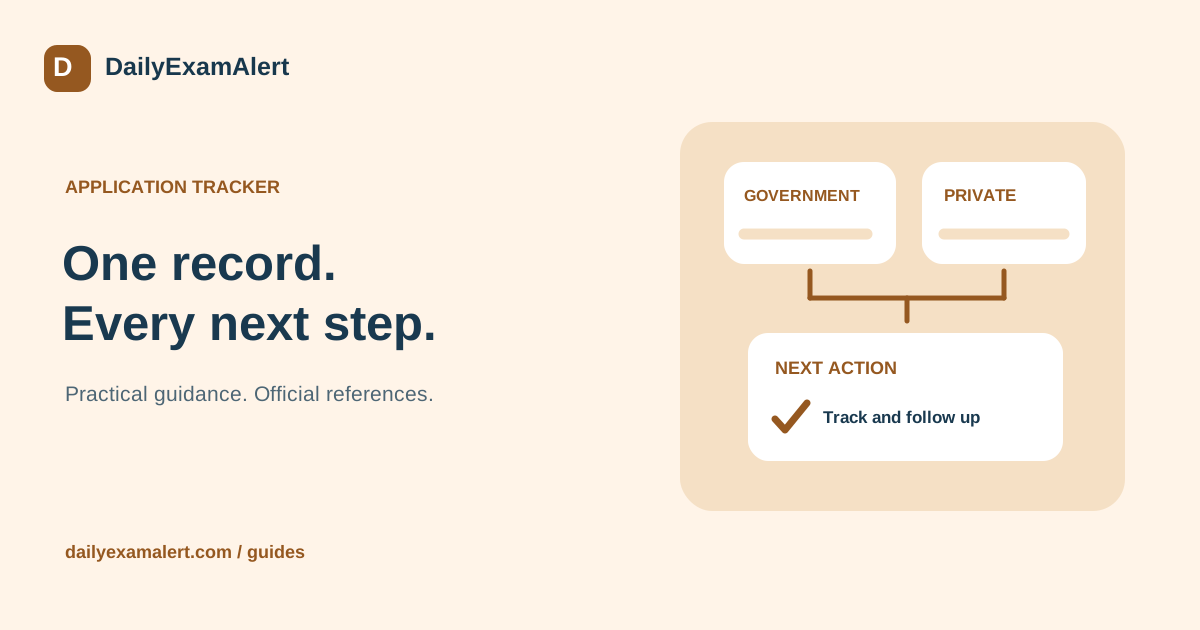
Saving a job, starting its form and submitting an application are different milestones. A simple tracker keeps these stages separate and makes the next action visible. It also helps when an email arrives weeks later and you need to identify which role, location and application version it concerns.
Create one row per actual application
Record the employer or authority, role, advertisement or requisition number, location, official source and application date. Add the reference number issued after submission. If you apply for two distinct roles at the same organisation, keep separate entries instead of merging them because the employer name is the same.
Use a clear label for the recruitment cycle. This is especially useful when a public authority publishes an annual examination or an employer reopens a similarly titled position. Preserve the original link and the version of the description used when you applied so later changes are easier to understand.
Use statuses that describe completed actions
Start with interested or saved. Move to applying only when work on the form has begun. Use applied when the official process confirms submission, not merely after you create an account. Later stages can include exam upcoming, interview scheduled, result awaited, selected, not selected or withdrawn.
Add a next-action field and a personal reminder date. “Check the portal on Friday” is easier to act on than a note saying “important job”. When a stage changes, update the next action as well. Once a form is submitted, stop treating it as an outstanding apply task and focus on its subsequent instructions.
Keep common checks and route-specific checks
Both public and private roles deserve a source check and an accurate record of education and experience. For a government application, retain the relevant notification, post-specific eligibility and important dates. For a private role, record the actual responsibilities, work location or mode, employment type and salary information only where disclosed.
A private job may close without a fixed date being advertised. Keep that field as not stated and revisit the official careers listing before applying. Do not invent a deadline to make the tracker look complete. Similarly, a recruitment examination date may be provisional or announced later; preserve its stated status.
Separate costs and keep evidence
Maintain different fields for an official fee, optional assistance, preparation expenses and travel. This prevents a total expense figure from being mistaken for the authority’s application charge. Save receipts and confirmation pages privately, and note the reference needed if a payment requires follow-up.
NCS says its employment services are free and warns that jobseekers should not pay employers. Check unexpected recruitment-payment requests directly with the organisation. A paid application helper provides an optional service; the payment does not create employment, guarantee an interview or replace the employer’s selection process.
Use safe, relevant links in your records
Keep a private copy of your submitted CV version so you can prepare consistently for an interview. Public portfolio links can be useful where the employer requests them. If you use a QR code to share a public portfolio, scan it on another device and check the exact destination before printing it. A QR code does not make a page private or trustworthy.
Do not put identity-document links, login details or bank information in a public QR code. Use a trusted private storage method for your application evidence. Log out of shared computers, remove downloaded copies where appropriate and keep recovery access to your own email account.
Review the tracker briefly each week
Check approaching deadlines, unanswered queries and clashes between exams or interviews. Archive completed entries without deleting the evidence you may need later. DailyExamAlert’s application tracker can hold a status, notes and personal dates alongside an opportunity. Keep it aligned with the official portal: the tracker organises your work, while the recruiting organisation remains the source of the application’s actual status.
Official references
- National Career Service — employment services and fee warning
- SSC — official recruitment stages and notices
Reference links checked on 8 October 2026. This is general process guidance, not a live application announcement. Read the latest official instructions for your specific opportunity.