Counselling checklist: documents, choices and reporting
Keep registration, choices, allotment, fees and reporting as separate tasks so an offered seat is not mistaken for completed admission.
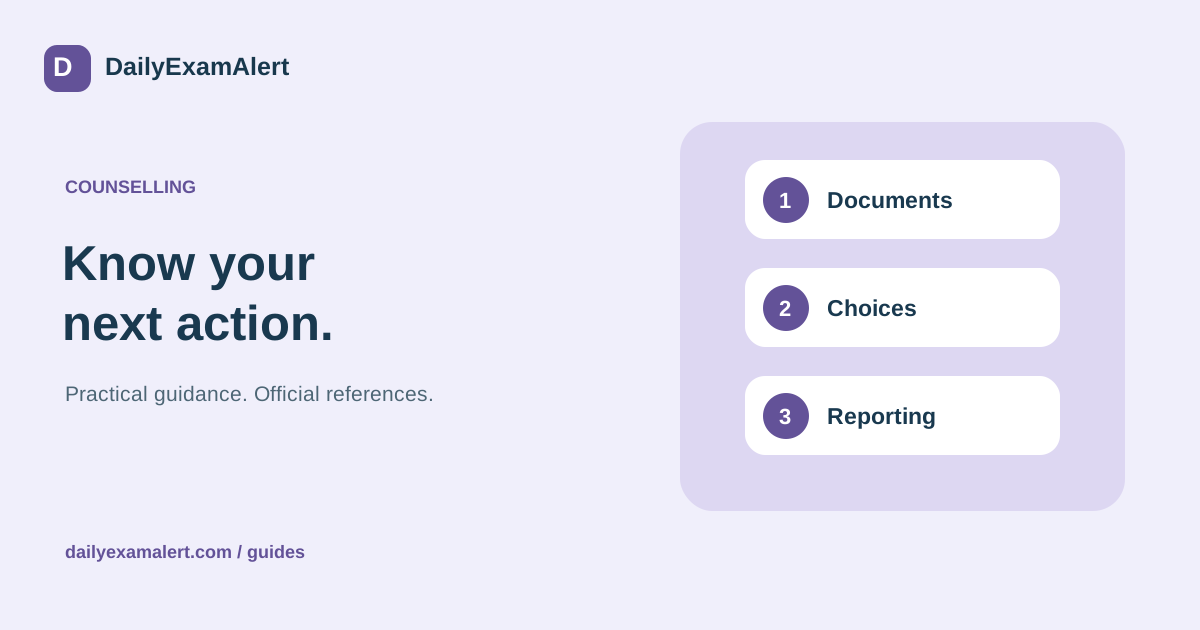
An entrance result is the start of the next stage. Counselling can involve a new registration, document verification, a preference list, allotment and reporting. The order and meaning of these actions vary between authorities. Begin with the current official process for the exact course and counselling round you plan to join.
Find the correct counselling route
Write down the authority, academic year, course and category of seats before opening a form. Do not assume that registering for one national or state process covers every institution. Keep separate records when you participate in more than one route. This makes different deadlines and login details easier to manage.
For engineering, JoSAA publishes business rules, a schedule, institute information, seat matrices and opening and closing ranks. These resources answer different questions. A seat matrix describes available categories of seats; a previous closing rank describes a past outcome. Neither is a promise that the same seat will be offered to you this year.
Prepare documents before the verification window
Make a checklist from the authority’s current instructions. Possible items include examination details, school records and certificates for any benefit claimed, but the actual list must come from the relevant process. Track each item as ready, missing, awaiting correction or needing a prescribed format. Do not collect a sensitive document merely because another student needed it.
Compare spelling, dates and qualification details across records. Keep readable scans and the originals required for any later physical check. If a certificate has a validity requirement or a particular issuing-authority condition, note the exact rule beside it. Contact the official helpdesk early when a requirement cannot be satisfied as written.
Make a preference list you would genuinely accept
Discuss branch, institution, location, total costs, living arrangements and any programme restriction before ordering choices. Build the list around what the student would prefer if more than one option were available. A college’s popularity is not a substitute for understanding its actual course and practical fit.
Use historic ranks to understand past patterns, keeping the year, round, quota, category and programme consistent. Do not treat an isolated screenshot as a complete comparison. If the authority offers mock allotment, read what it does and does not indicate in that cycle. Keep a dated copy of your draft list and another copy after final submission or locking.
Treat an allotment as an action notice
When a result appears, open the official allotment details and list every required response. These can include accepting a seat, paying a stated fee, submitting documents or answering a verification query. Record a separate deadline for each. A message that a seat has been allotted is not, on its own, proof that all admission formalities are complete.
Read the current definitions of any option such as freeze, float, slide, upgrade, withdraw or exit. Do not assume that words used by one authority have identical effects elsewhere. Before choosing, confirm what happens to the existing seat, future participation and any payment. Follow the published process for queries; JoSAA explicitly directs document-query responses through its portal.
Plan reporting and keep a receipt trail
Check whether the next action is online, at the institution or both. Arrange travel only after checking the actual reporting instructions. Save the allotment letter, fee receipt, submitted documents, query responses and final admission acknowledgement in one folder. A transaction reference helps resolve a payment issue, but confirm the status inside the official portal too.
DailyExamAlert can help organise a counselling enquiry and document checklist. Guidance should clarify the choices and work required; it cannot guarantee a seat or change official allocation rules. Bring the current rule document, score details and your preference list to a counselling discussion so the next action is specific and reviewable.
Official references
- JoSAA — business rules
- JoSAA — official resources, query and reporting notices
- JoSAA — frequently asked questions
Reference links checked on 8 October 2026. This is general process guidance, not a live application announcement. Read the latest official instructions for your specific opportunity.