Prepare a scholarship application with a clear document checklist
Check the exact scheme and academic year, organise the required evidence, and track student and institution verification separately.
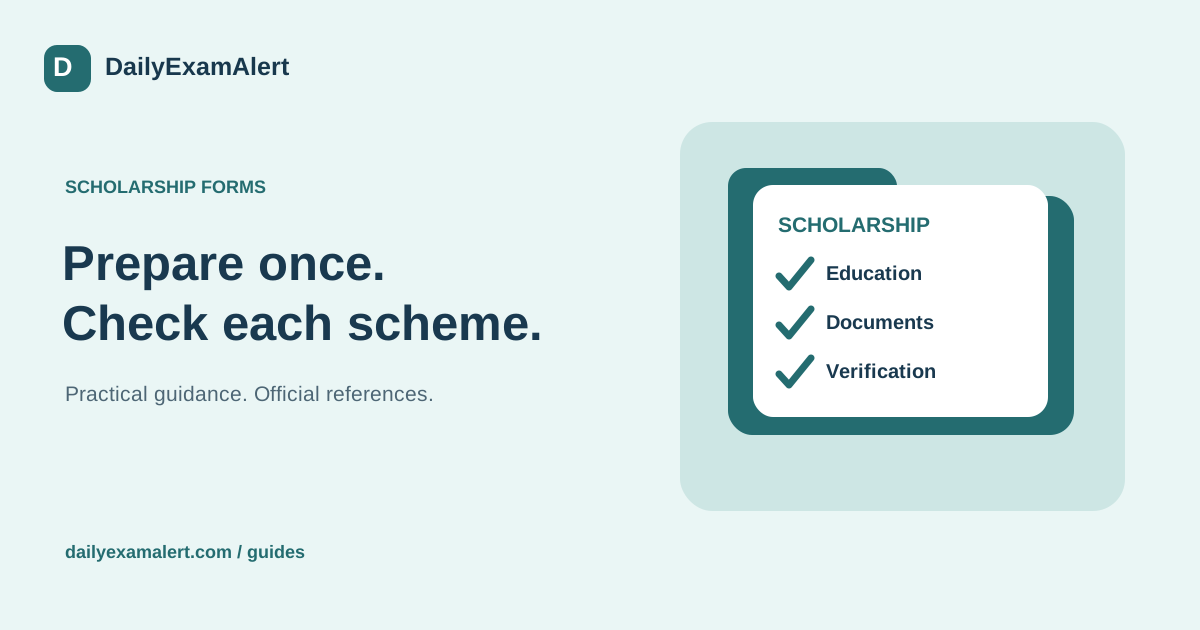
A scholarship application is easier to manage when you separate eligibility, documents, submission and verification. A scheme name alone is not enough to decide whether it fits. Begin with its academic year, applicant group, permitted course or institution, benefit conditions and current application instructions.
Read the scheme before collecting files
Record the official scheme page and the version or date of its guidelines. Write down the conditions that apply to the student: academic level, marks where specified, family income where required, residence or domicile, institution requirements and any other stated limitation. Do not infer eligibility simply because the portal displays the scheme.
Keep fresh and renewal applications separate. A student who received support previously may need to satisfy renewal conditions and submit a different set of details. Likewise, a new academic year can introduce different instructions. Copying last year’s form without checking the current process can carry outdated information into a new application.
Understand registration and application as separate steps
The National Scholarship Portal describes One Time Registration, or OTR, as the student’s continuing registration identifier and says it is required for scholarship applications on that portal. Generating an OTR is not the same as submitting a scholarship form, passing verification or receiving a benefit. Follow the current official registration instructions if you use NSP.
Other scholarship providers can use their own systems. Do not enter a private website’s account number into an official field unless the instructions ask for it. Store the relevant identifier safely and avoid posting login screens or registration details in public groups while asking for help.
Build a document list from the specific instructions
Use four columns: document, who provides it, current status and next action. Possible evidence may concern education, admission, income, domicile, a category claim or bank details. These are examples, not a universal compulsory list. Mark an item not applicable when the scheme does not request it, rather than gathering unnecessary sensitive records.
Check whether the portal asks for a certificate number, an uploaded document or verification through another process. Confirm the required issuing authority and validity period where stated. Read every scanned file after saving it: all pages, seals, dates and reference numbers should be legible. A small file that cannot be read is not a useful upload.
Resolve differences before final submission
Compare the student’s name, course, institution and bank details against the original records. Do not guess an institution code or change a factual value to make a form accept it. Ask the institution or the portal helpdesk how an inconsistency should be corrected. Keep a reference to the response when it affects the application.
Before pressing the final submission button, use the preview to read every field. Save the submitted copy and its reference number. If payment or a private assistance charge is involved, confirm what it is for and keep it separate from the scholarship benefit. No helper should describe a service payment as a guarantee of scholarship approval.
Track the verification stages after applying
Add the student deadline, institution verification and any later authority deadlines to separate calendar entries when the scheme publishes them. Check the portal for a defect, query or return-for-correction status. A form submitted by the student can still require another party’s action, so a single “applied” tick is not a complete progress record.
On DailyExamAlert, use the scholarship page to find the official application source and review the opportunity’s last-check date. Keep your own next action visible: obtain a document, submit, answer a query or check the next status. Ask for assistance when you need help understanding the process, while keeping passwords and payment credentials under your control.
Official references
Reference links checked on 8 October 2026. This is general process guidance, not a live application announcement. Read the latest official instructions for your specific opportunity.