Plan B.Tech applications after Class 12 without missing a step
Build a shortlist around subjects, course eligibility, costs and separate application and counselling stages.
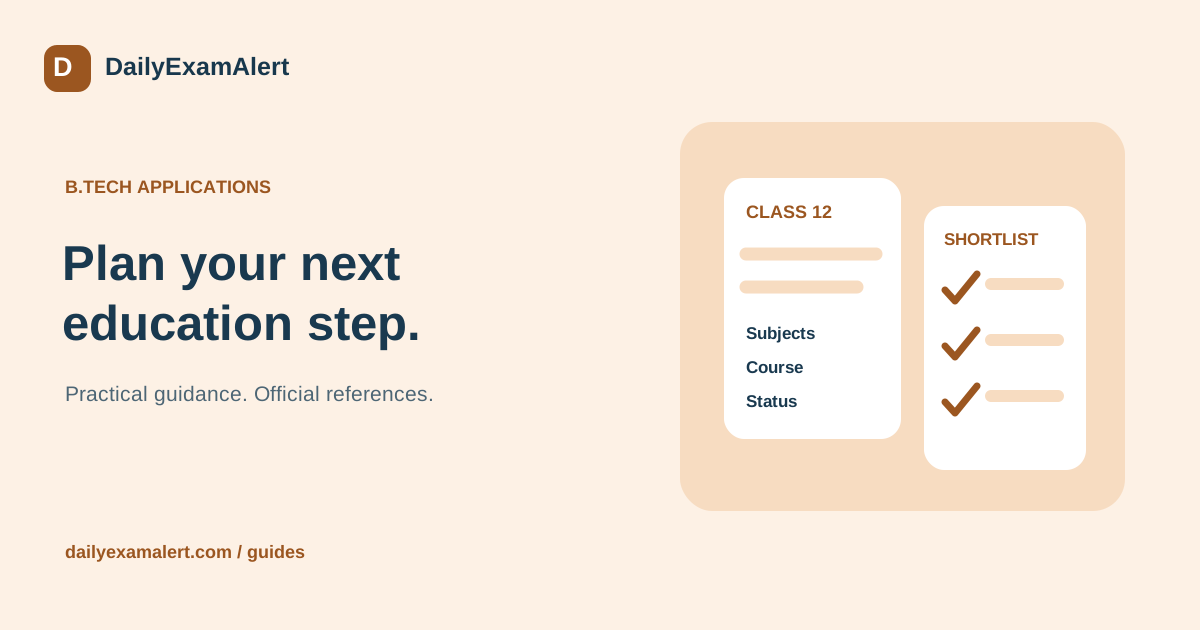
A B.Tech application plan works best when it begins with the student’s subjects, completed or appearing status, preferred branches and practical budget. Filling every available form can consume time and money without creating a sensible set of choices. Create a shortlist that you can explain before starting registrations.
Separate exam entry from college admission
Record two questions for each route: can the student sit the examination, and what is required for admission to the desired programme? These may be described in different documents. The JEE Main bulletin, for example, separates examination eligibility from admission conditions. Check the current bulletin and the receiving institution or counselling rules for the relevant academic year.
Do not copy a percentage requirement from a social post and apply it to every college. Check required subjects, the way marks are counted, the permitted qualifying-examination years and any programme-specific conditions. If a student is appearing, record when the final result must be available and what proof will be accepted.
Create a shortlist with a reason for every entry
Use one row per examination or admission route. Add the official website, acceptable branches, location, application charge, estimated study costs and the reason it belongs on the list. Separate tuition from hostel, food, travel, deposits and optional charges. A published annual tuition figure is not the same as a complete four-year expense.
Discuss the student’s preferences before comparing ranks. Would the student accept a different branch in the same institution? Is moving to another state practical? What travel and language support would be needed? Keep these answers visible so that a late offer does not force a decision based only on a college name.
Use a stage calendar instead of one deadline
For each route, track registration, payment, correction, slot booking where applicable, admit card, examination, result, counselling registration and reporting. Leave an unknown date blank and mark it awaiting announcement. Never borrow last year’s date or treat an expected month as a confirmed deadline.
Set a personal preparation date before the official closing date so there is time to fix a document or contact a helpdesk. When two exams appear to clash, compare the actual shift, reporting time and city before deciding what can be attended. An estimated timetable should remain clearly different from the final admit-card instructions.
Prepare an application folder
Create separate folders for original documents, upload-ready copies and submitted forms. Use filenames that identify the document without exposing unnecessary personal details. Check names, dates and subject entries against the source certificates rather than memory. Keep a note of missing documents and who will obtain each one.
Use the student’s accessible email and mobile number when the official process requires candidate contact details. After submission, save the confirmation page and payment evidence. Registering for an exam does not complete every later admission process, and paying a fee alone is not proof that the form reached its final submitted state.
Compare preparation with the chosen routes
Read each official syllabus and pattern before buying practice material. Mark the overlapping topics and the parts that need separate preparation. Start with manageable topic practice, then add timed sections and complete papers. Keep an error log that records why an answer went wrong and what you will revise.
DailyExamAlert links to StartExam, the owner’s separate mock-test website. Before purchasing or attempting a test there, check the available exam, language, pattern and terms on that website. A practice score helps plan study; it is not a promised entrance rank, admission offer or prediction of a future cutoff.
Keep the next action small and visible
End each planning session by choosing one concrete task: download a bulletin, obtain a certificate, complete an application, review a mock test or confirm a counselling step. DailyExamAlert’s education pages organise forms and later updates by course. Use the official source attached to the specific cycle for decisions, and seek form or counselling assistance when a requirement remains unclear.
Explore mock tests on StartExam · Separate website; check its current catalogue and terms.
Official references
- JEE Main — current information bulletin
- JoSAA — admission business rules
- NTA — syllabus and examination notices
Reference links checked on 8 October 2026. This is general process guidance, not a live application announcement. Read the latest official instructions for your specific opportunity.